
Getting Started
Learn how to use ViewAll to capture, annotate, and share web feedback securely.
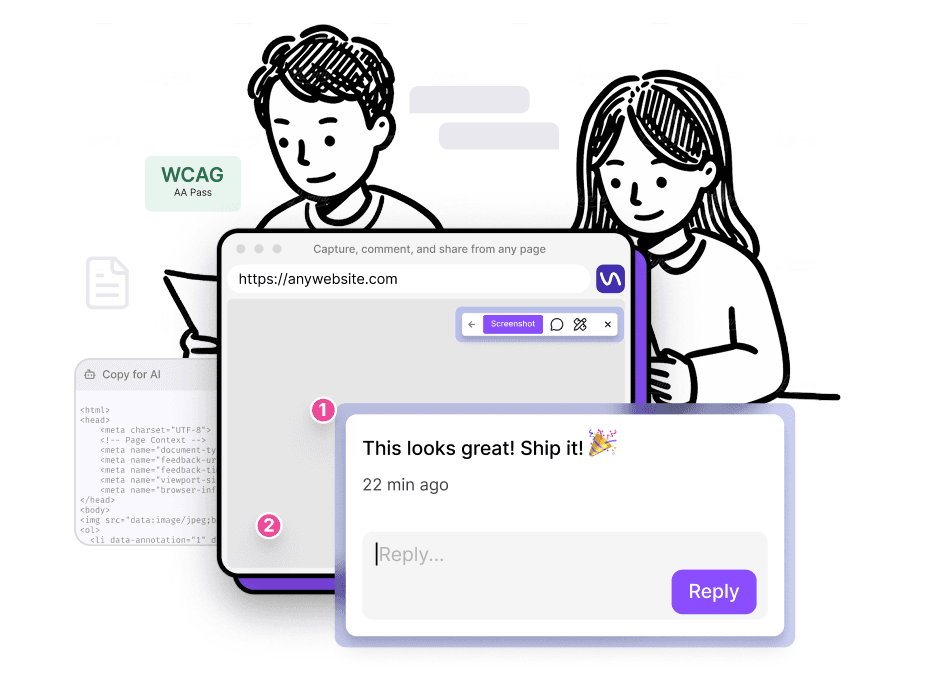
Welcome to ViewAll
ViewAll is a Chrome extension that lets you capture screenshots, add visual comments, run WCAG accessibility scans, and share feedback - all with zero-knowledge encryption.
Quick Start
- Install the extension from the Chrome Web Store
- Navigate to any webpage you want to capture
- Capture screenshot of viewport or full-page
- Add comments by clicking on page elements
- Copy or save your feedback to share with your team
What You Can Do
- Screenshots - Capture viewport, full-page, or partial area screenshots
- Comments - Click any element to add visual annotations with context
- Visual impairment simulation - Run maccessibility audits on your design
- Copy for AI - Export structured data for Claude, ChatGPT, and other assistants
- Share - Generate encrypted links or copy directly to Slack, Jira, Notion, and more
Free vs Pro
All core features work on the free plan with no account required. Everything stays local in your browser.
Pro adds encrypted cloud storage for up to 100 reports, a searchable dashboard, permanent share links, and exportable WCAG compliance reports.